Latest Pfps

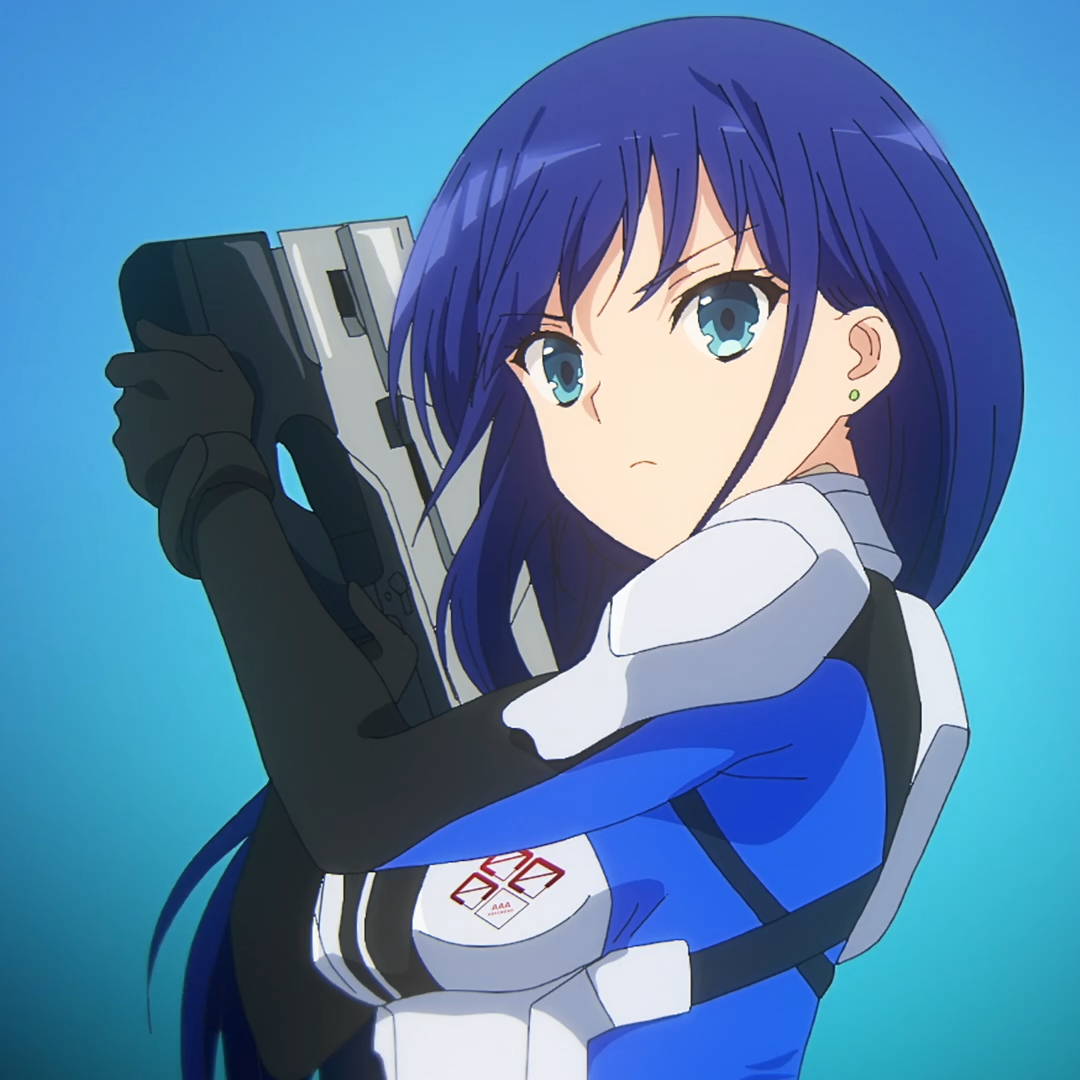
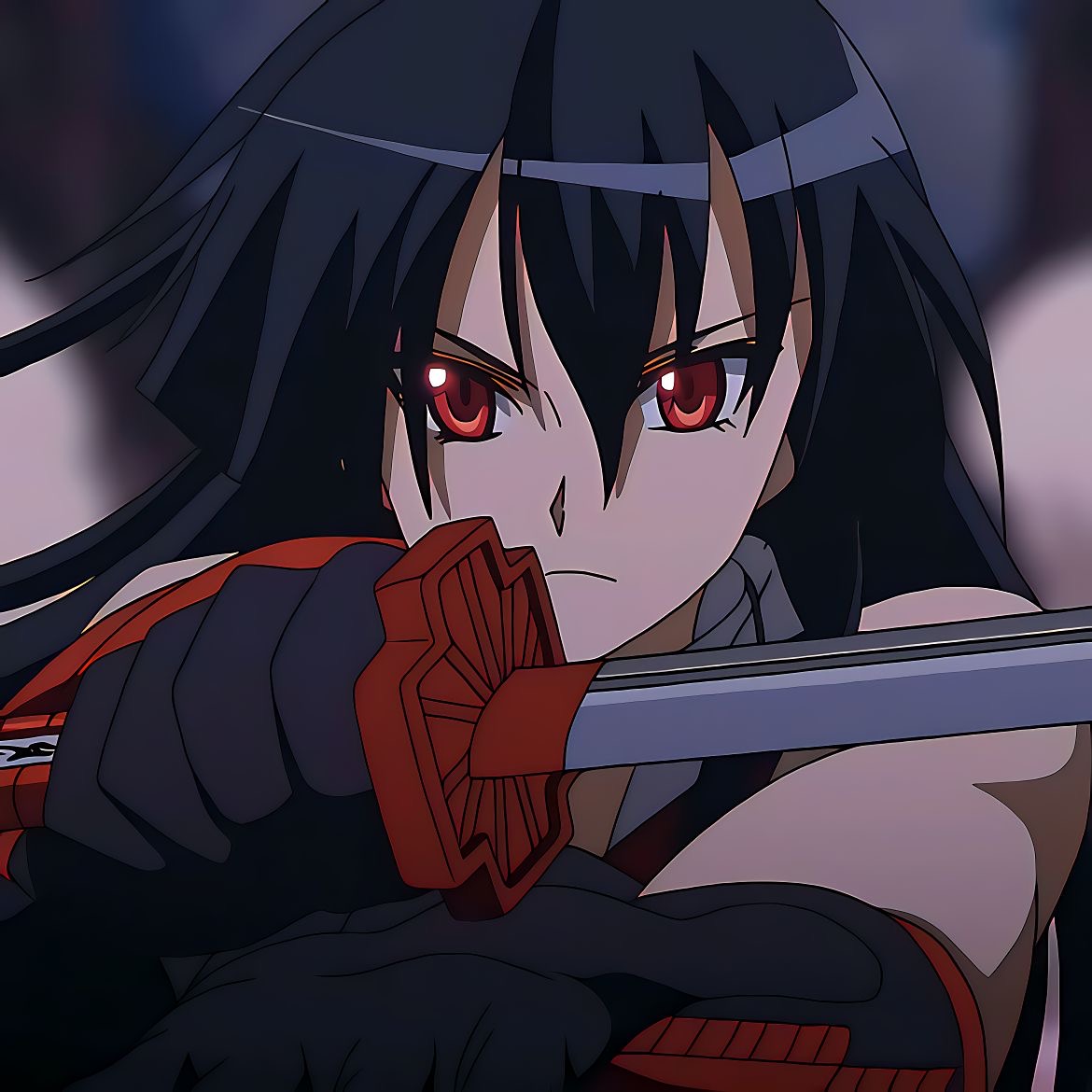
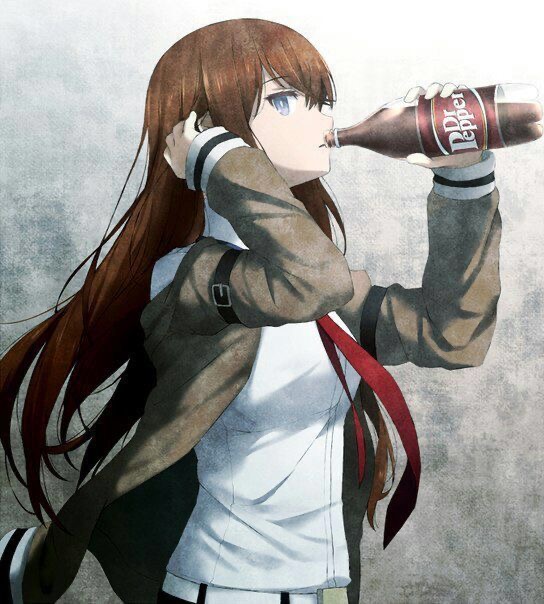
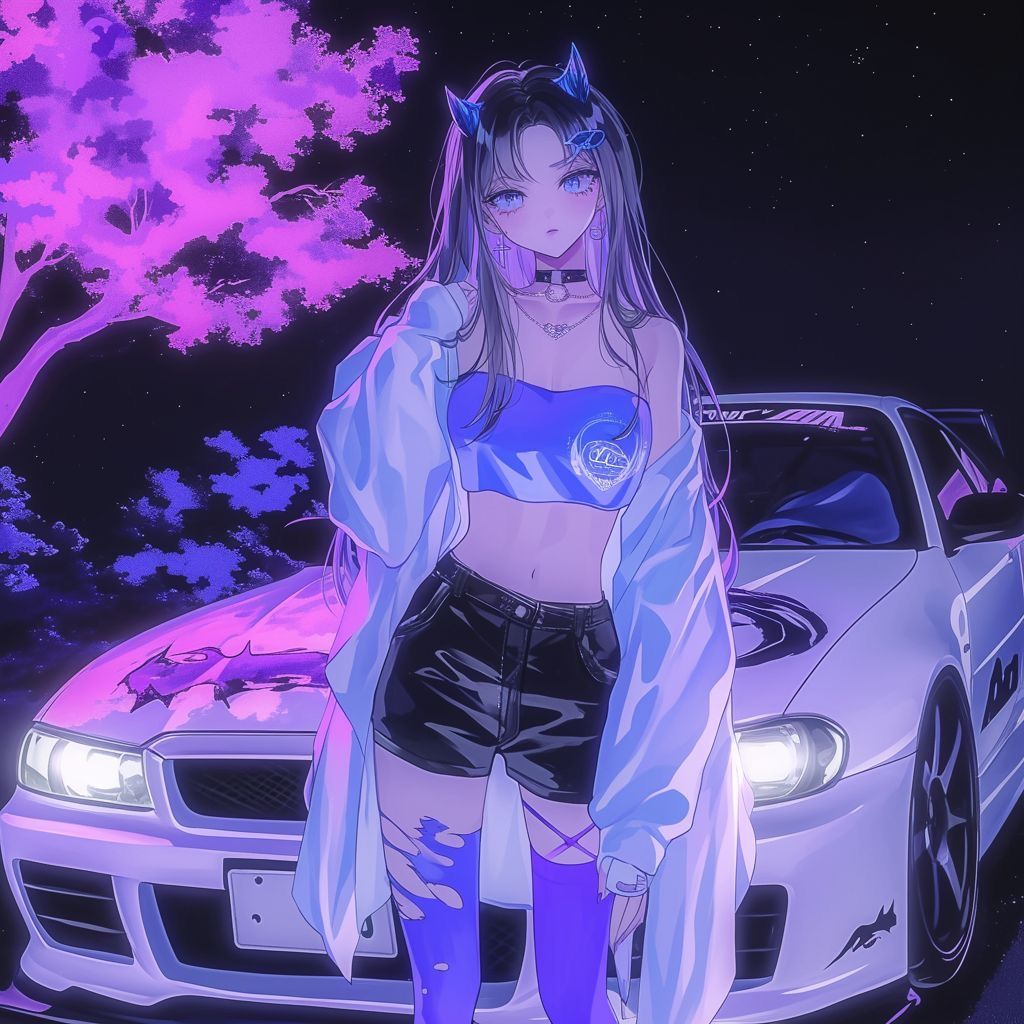











Popular Categories
Find the Best Profile Pictures (PFPs) Online
Pfps.gg is the go to platform for finding high quality, unique profile pictures for your favorite social media platforms and gaming services. Easily download and use profile images on Discord, Twitter, Instagram, TikTok, Steam, and many more. With thousands of user submitted images and hundreds of categories like Anime, Aesthetic, Gaming, and Sports, finding the perfect profile picture to match your vibe has never been easier.
In addition to profile pictures, Pfps.gg offers downloadable Discord profile banners and helpful uploading tutorials. Whether you are looking to express your identity or just want something cool, our curated PFP library has something for everyone.
Why Choose Pfps.gg?
Say goodbye to endlessly searching through Pinterest, Tumblr, or Google Images. Pfps.gg provides a curated and categorized collection of the best profile pictures online. Our images are ready to use, mobile and desktop friendly, and sourced from a growing community of creators. Plus we make it super simple to save and upload them directly to your favorite platforms.
How to Change Your Discord Profile Picture
On Desktop:
- Open Discord and click the gear icon next to your username to open User Settings.
- Click on My Account from the left side menu.
- Click the circular Edit icon on your current avatar.
- Choose a new image file from your computer.
- Click Save to update your profile picture.
On Mobile:
- Launch the Discord app and tap your profile icon in the bottom right corner.
- Tap the Edit icon to update your profile.
- Tap your avatar to upload a new image from your gallery or take a photo.
- Tap Save to apply the changes.
You are all set! Your new Discord PFP from Pfps.gg is now live for everyone to see
