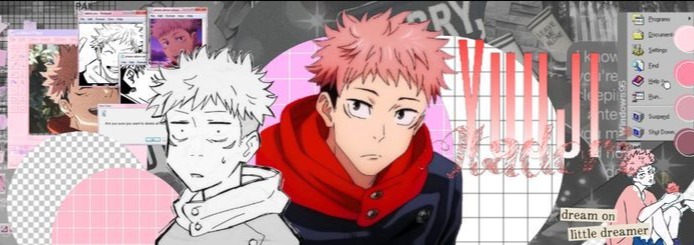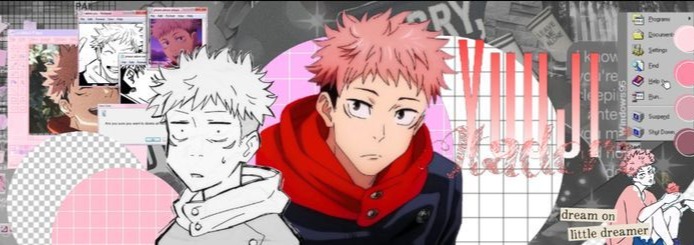

Itadori Banner

Itadori Profile Banner

Itadori clear and sharp profile banner

Comments

More Itadori Banners

Frequently asked questions

How to use the Itadori Banner on Discord

Want to use Itadori as your Discord profile banner?

  1. Download the banner from Pfps.gg
  2. Open Discord and go to User Settings
  3. Select Profiles
  4. Click Change Banner
  5. Upload the downloaded image
  6. Save your changes
How to use the Itadori Header on X (Twitter)

To use this image as your X profile header:

  1. Download the banner image
  2. Open X and visit your profile
  3. Click Edit Profile
  4. Select the banner area
  5. Upload the image and save
How to use the Itadori Cover Photo on Facebook

Use this image as your Facebook cover photo.

  1. Download the cover image
  2. Open your Facebook profile
  3. Click the cover photo area
  4. Select Upload Photo
  5. Choose the image and save
How to use the Itadori Banner on YouTube

Add this image as your YouTube channel banner.

  1. Download the banner image
  2. Open YouTube Studio
  3. Go to Customization > Branding
  4. Upload the image under Banner Image
  5. Publish your changes
How to use the Itadori Cover Image on LinkedIn

Use this image as your LinkedIn cover photo.

  1. Download the image
  2. Open your LinkedIn profile
  3. Click the cover image area
  4. Upload the banner
  5. Save your changes